
Setting Up EV Routing on CarPlay and Android Auto
Discover how to set up EV routing using Apple Maps and Google Maps on CarPlay and Android Auto. Ensure your vehicle supports EV routing features for optimal charging station integration.
Understanding EV Routing
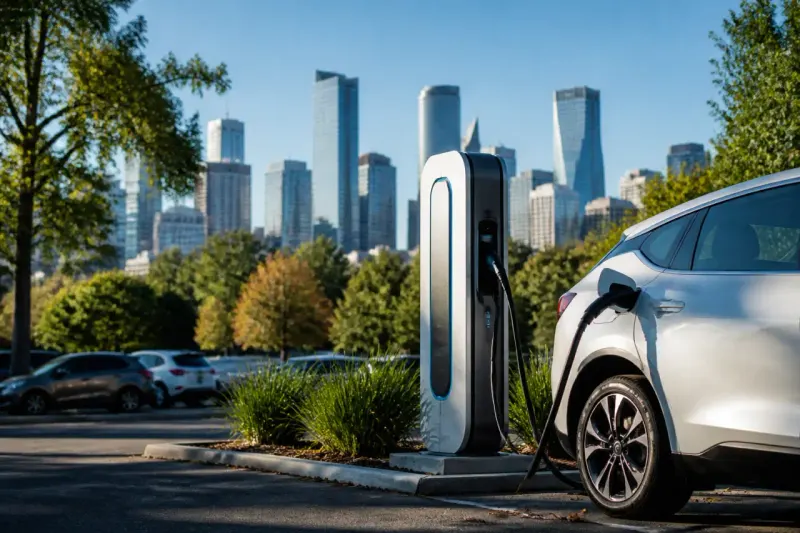
Owning an electric vehicle (EV) introduces new considerations for drivers, especially regarding charging infrastructure. Instead of planning routes based on gas stations, EV owners now need to find charging stations. To simplify long-distance travel, EV routing can automatically identify optimal charging stops based on the vehicle's current battery level, the distance to the destination, and estimated arrival time.
The capabilities differ depending on the vehicle, smartphone, and navigation app in use. Google Maps and Apple Maps offer EV routing, but they may not work seamlessly across all vehicles. Checking the compatibility of your car with these systems is the first step toward efficient EV routing.
Checking Car Compatibility
Before starting the setup process, it’s essential to determine whether your vehicle supports EV routing features. Not all cars that support Apple CarPlay or Android Auto are designed to handle EV-specific functionalities. Specifically:
- Ford's Mustang Mach-E and F-150 Lightning are compatible with Apple Maps routing.
- Toyota models from 2023 onwards include the EV routing feature in the US.
- Google extended Android Auto's EV functionality to over 350 electric vehicle models as of March 2026.
While Android Auto displays apps from the connected phone, having Google Maps integrated into the car can leverage the vehicle's data, providing more accurate battery usage estimates. Ensure that the navigation app on your phone is updated to the latest version to access all routing features.
Setting Up Apple Maps EV Routing on CarPlay
To utilize Apple Maps for EV routing via CarPlay, there are a few different processes based on the vehicle type:
- Without Manufacturer App: For compatible vehicles, connect the iPhone to CarPlay while parked, open the Apple Maps app, and search for the destination. Select routes, and tap "Connect" above the routes list.
- With Manufacturer App: Download the specific manufacturer app from the App Store, set it up, and then connect via Apple Maps. Tap on your profile picture, select "Vehicles," and then "Connect Your Electric Vehicles" to follow on-screen instructions.
- Connection for Toyota Owners: Access the EV routing through the Toyota app by tapping on Find > Apple Maps EV Routing, agreeing to the terms, and completing any additional instructions to connect the vehicle.
Once connected, users can view battery status and charging recommendations. If the battery level is low, Apple Maps will automatically guide the user to the nearest compatible charger. Users should also ensure that charging networks are preferred correctly, such as prioritizing Tesla Superchargers for Mustang owners, provided they have the proper charging adapter.
Setting Up Google Maps EV Routing on Android Auto
Google Maps users must follow these steps for effective EV routing on Android Auto:
- First, ensure the Google Maps app is updated to at least version 25.44 for optimal battery estimates.
- Open Google Maps and navigate to your profile icon, tap on "Settings" > "Your Vehicles.”
- Select "Electric" as the engine type and add details about the vehicle's make, model, year, and trim.
- Confirm or edit the connections listed under “Your plugs.”
- After setting this up, connect to Android Auto and confirm the car details.
While planning trips, drivers can view estimated battery consumption, with an option to add charging stops directly through their vehicle displays. Based on the battery percentage inputted, Google Maps can predict arrival battery levels but recommends checking regularly as numerous factors can influence real-time battery performance.
Alternative EV Routing Options
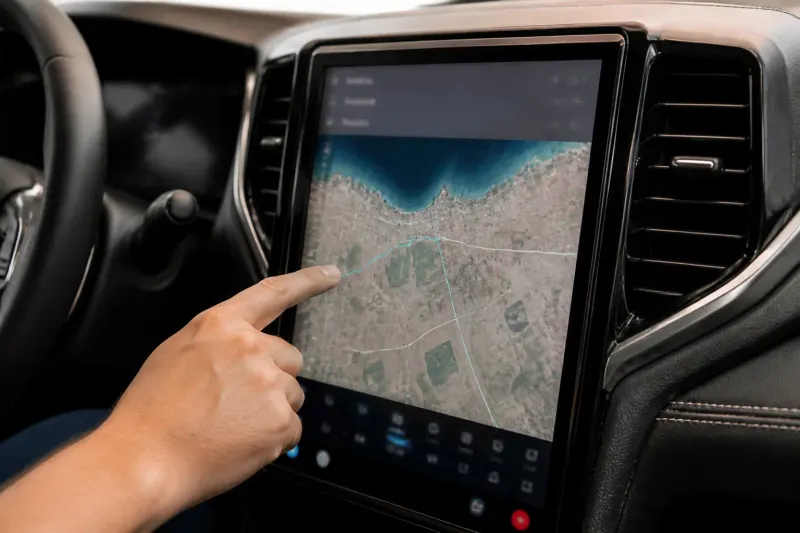
While Apple Maps and Google Maps are the most accessible options for EV routing, alternatives like the A Better Routeplanner (ABRP) can also assist. This app is specifically designed for EV trip planning and allows users to account for their vehicle model and destination to generate optimized travel routes with charging stops.
- ABRP can integrate with CarPlay and Android Auto for users with a premium subscription.
- It also supports live battery status updates in some vehicles through Android Auto with the right permissions enabled.
- Unfortunately, there is currently no equivalent feature available for CarPlay users.
For those unaccustomed to EV routing, searching for charging stations directly in Google Maps with the electric plug filter can also yield results. Users will need to assess if their current charge is enough to reach each stop, particularly on longer journeys where charging stations may be sparse.
Conclusion
With EV ownership on the rise, navigating charging routes effectively is essential for a seamless driving experience. Understanding your vehicle's capabilities and properly setting up Apple Maps or Google Maps for EV routing can significantly ease the challenges of long-distance travel in an electric vehicle. As infrastructure grows, the transition to electric will become increasingly manageable, but for now, ensuring you have the right tools and knowledge is key.
Key Takeaways
- EV routing essential for efficient long trips in electric vehicles.
- Not all vehicles support EV routing on Apple CarPlay or Android Auto.
- Connected apps like Apple Maps and Google Maps optimize routing based on battery levels.
- Alternatives like A Better Routeplanner offer additional trip planning features.
- Always verify charging station availability and route estimates while driving.
Frequently Asked Questions