
Prepare Your PS5 Pro for GTA 6: Essential Setup Tips
As GTA 6 nears its release, here are crucial steps to optimize your PS5 Pro and TV for the ultimate gaming experience. Adjust settings to take full advantage!
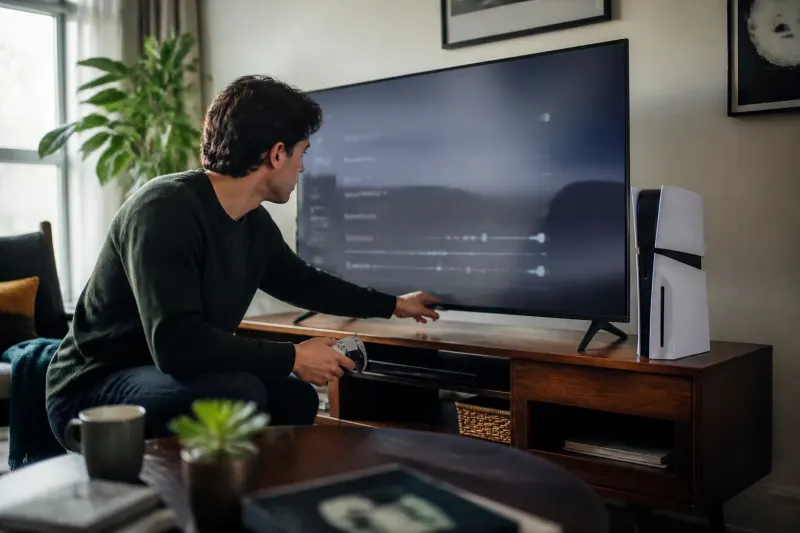
Getting Ready for GTA 6
The highly anticipated release of Grand Theft Auto 6 is just around the corner, with players eagerly waiting to dive into the immersive world of Leonida. The preload for the GTA 6 Ultimate Edition was made available on November 10, 2026, allowing gamers to prepare their systems for this massive title, which requires over 200GB of space on their consoles. Gamers worldwide are diligently optimizing their setups to ensure the best possible experience on the day of launch.
Optimizing Your Setup
Maximum enjoyment of GTA 6 doesn't hinge solely on the game itself—it also requires a properly configured PlayStation 5 Pro and a compatible television. The following settings are crucial for enhancing the gaming experience and ensuring the console communicates effectively with the display.
Adjusting Console Settings
First, head to Settings > Screen and Video on your PS5 to ensure it's outputting the best signal for your TV. Important settings to keep enabled include:
- Resolution: Leave on Automatic.
- 120Hz Output: Keep activated for versatility across compatible games.
- HDR: Enable to enhance visual quality.
- VRR: Ensure this is active for variable refresh rate support.
- ALLM: Use Auto Low Latency Mode for minimal input delay.
- Deep Color Output: Set to Automatic for richer visuals.
- RGB Range: Keep it on Automatic.
These settings allow the console to negotiate the best possible signal with the TV, sidestepping potential issues caused by incorrect manual configurations. The 120Hz Output option is significant even for games not running at 120 frames per second (FPS); it allows 40 FPS modes to function without frame-pacing problems, which can occur on displays limited to 60Hz.
Check the Connection
It's equally essential to check the physical connection. Ensure you connect your console to a full-bandwidth HDMI 2.1 port on your TV, which is capable of handling 4K at 120Hz. Some televisions have limited HDMI ports that can manage higher refresh rates—using the wrong port can restrict the performance to 60Hz.
Setting Up Your TV
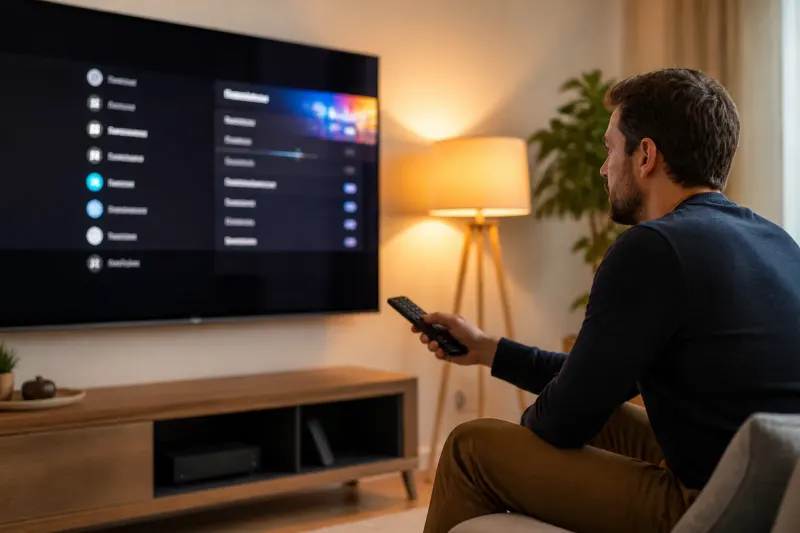
With the console optimized, the next step is configuring the TV to eliminate any interference with the console settings. Follow these steps:
- Enable Game Mode: This feature, known under different names by various brands, reduces processing delays.
- Disable Unnecessary Processing Options: Turn off motion smoothing, noise reduction, artificial sharpness, dynamic contrast, and AI picture enhancements—all of which can detract from gaming performance.
- Eco and Energy Saving Modes: Disable these settings as they can dynamically alter your display's brightness during gameplay, leading to inconsistencies in HDR visuals.
- Local Dimming: If using a mini-LED or QLED TV, ensure Local Dimming remains activated and optimally configured. For OLED displays, this setting is not applicable.
Understanding Performance Expectations
Despite the advanced capabilities of the PS5 Pro, it has been confirmed that GTA 6 will have a locked target frame rate of 30 FPS. This means even with the Pro's enhanced features, players will not experience higher FPS but will instead benefit from improved visual fidelity. The 120Hz Output functionality allows for smoother frame transitions and does give the possibility of more fluid visuals, particularly in scenes rich with motion.
Graphics Capabilities
Data-mining efforts surrounding the preload of GTA 6 have indicated new features exclusive to the PS5 Pro, including a refined version of PSSR (Post-Processing Super Resolution) with noted improvements in visual clarity. Additionally, higher CPU frequency modes may enhance the overall performance during gaming sessions. Importantly, ray-tracing developments announced by Rockstar, coupled with improved shadow rendering, underscore the graphical upgrades specifically for the PS5 Pro.
Final Touches Before Launch Day
As launch day approaches, taking just ten minutes to adjust these settings could yield significant benefits in the overall gaming experience. The investment made in a PS5 Pro and a high-quality TV should reflect in a satisfying and visually stunning experience while playing GTA 6.
Key Takeaways
- Ensure 120Hz Output is enabled on your console for improved refresh rate capabilities.
- Set your TV to Game Mode to minimize input lag and processing delay.
- Turn off settings that can hinder game performance, such as motion smoothing and Eco Mode.
- Confirm your console connects via a full-bandwidth HDMI 2.1 port for optimal performance.
- Expect a locked frame rate of 30 FPS in Grand Theft Auto 6, irrespective of the console's power.
By taking the right steps ahead of the launch, players can look forward to enjoying Grand Theft Auto 6 with the visual quality and responsiveness that reflects the capabilities of their high-end gaming setups.
Frequently Asked Questions