
Self-hosting Immich on Mini PC Transforms Photo Backup Experience
Shifting to self-hosted Immich on a mini PC reverses the frustrations of cloud storage, significantly improving photo backup speed and privacy.
Introduction: A Shift from Google One to Immich
Creeping subscription fees for cloud storage services are nudging users toward alternative solutions. As Jasmine Mannan recently discovered, moving from Google One to the self-hosted photo backup service, Immich, has brought about significant changes in how she manages her family’s digital memories. The shift promises to cut costs and enhance control over privacy and storage speed.
Limitations of Traditional Cloud Storage
Traditional cloud storage solutions like Google Photos have several drawbacks, including:
- Slow Upload Speeds: Uploads can be lengthy due to the limitations of bandwidth and server processing times.
- Compression of Images: Many cloud services automatically compress images, potentially compromising their quality.
- Lack of Control: Users often face restrictions on accessing their own photos due to proprietary interfaces and limited features that may not suit everyone’s needs.
- Privacy Risks: Uploading personal data to third-party servers raises concerns, particularly with the storage of sensitive metadata and geolocation information.
These factors can make cloud services appear almost like a scam, especially when users are left paying high fees for subpar experiences.
Benefits of Self-Hosting with Immich
Immich stands out as a powerful alternative to traditional cloud storage solutions. Here are some of its key benefits:
- Instant Backup: The app’s design mirrors Google Photos, making it easy to transition without losing the familiar user experience.
- Local Uploads: Immich uploads photos over local Wi-Fi, minimizing upload time compared to cloud options that rely on internet speed.
- Enhanced Privacy: By self-hosting, users maintain control over their data without the risk of it being used for corporate AI training or subject to invasive data policies.
- Machine Learning Powered Features: Local machine learning capabilities allow for advanced features like facial recognition, object detection, and smart search indexing without sending data externally.
- Multi-User Support: Multiple family members can have personalized and secure accounts, enhancing family photo management.
Self-hosting with Immich results in a remarkable user experience, offering similar benefits to a commercial service without the associated costs.
Recommended Hardware for Hosting Immich
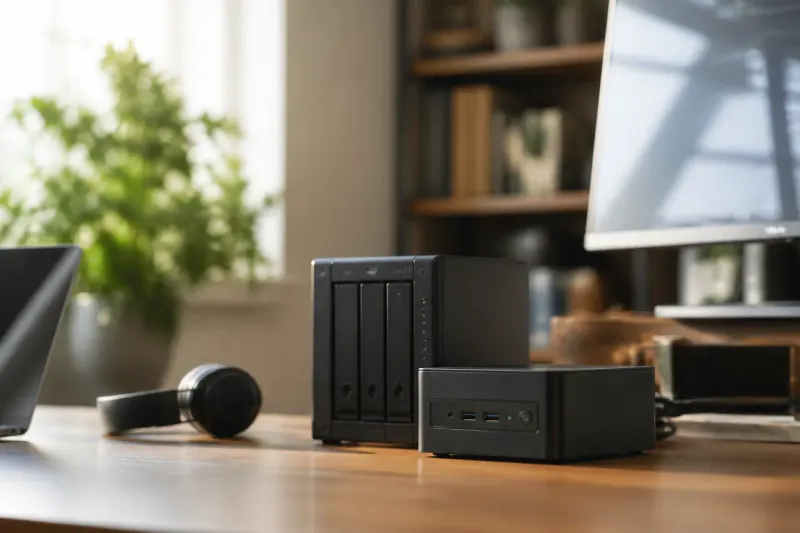
To achieve optimal performance while running Immich, investing in the right hardware is crucial. Here are some specifications to consider for your mini PC setup:
| Specification | Recommendation |
|---|---|
| Processor | Modern 6-core, 12-thread CPU |
| RAM | Minimum 16GB |
| Storage | Primary storage + direct-attached storage for expandable capacity |
| Network Connectivity | Built-in 2.5 GbE Ethernet port |
| Power Consumption | 15W to 35W TDP for low operational costs |
The Geekom A5 2027 edition has been pinpointed as a suitable device for this purpose. It features an AMD Ryzen 5 7430U processor, ensuring smooth operation even when handling machine learning tasks and media transcoding.
Setting Up Immich on a Mini PC
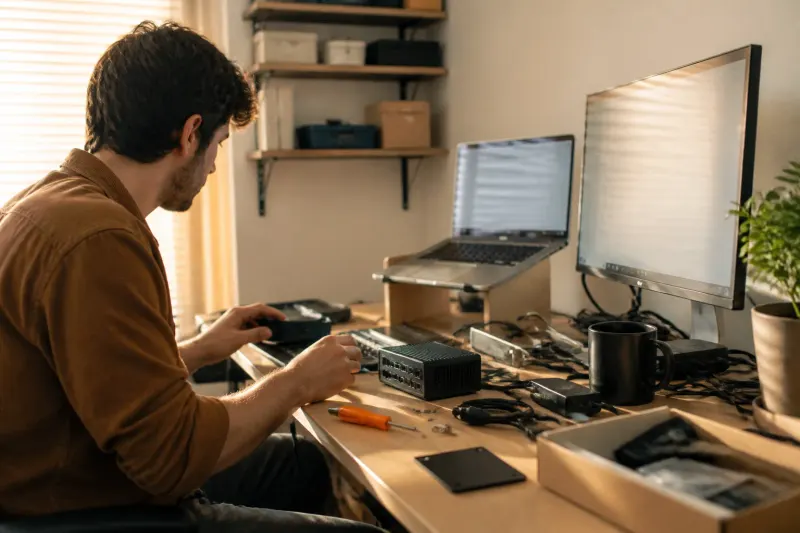
The process of setting up Immich on a mini PC involves running the software inside Docker, allowing it to take advantage of the hardware efficiently. The initial setup includes:
- Installing Docker: Begin by installing Docker on your chosen mini PC.
- Configuring Storage Pools: Arrange local storage solutions to manage your photo library effectively.
- Launching Immich: Follow the setup guide to start Immich and customize the features according to your needs.
This configuration allows for a seamless experience while ensuring that family media remains private and secure.
Privacy Considerations with Self-Hosting
One of the most significant advantages of using Immich is the robust privacy model it offers over conventional cloud services. Important considerations include:
- Data Ownership: Users maintain complete ownership of their media, reducing the risk of unauthorized usage or data mining.
- Local Access: All data remains within the home network, significantly limiting the chances of breaches compared to relying on external cloud services.
- Granular Control: Immich's privacy model empowers users to configure their security settings and prioritize privacy as they see fit.
These features greatly enhance the peace of mind for users storing sensitive or meaningful content like family photos.
Key Takeaways
- Low Cost: Self-hosting Immich can eliminate monthly fees associated with cloud storage solutions.
- Enhanced Speed: Local backups with Immich are generally faster than uploads to cloud providers.
- Privacy First: Retaining full control over personal data significantly reduces privacy risks.
- Powerful Features: Immich includes various enhanced features such as machine learning models for local processing.
Conclusion: Embracing the Future of Photo Management
The transition to self-hosting Immich on a mini PC illustrates a growing trend among users looking for better control, privacy, and efficiency in managing digital memories. As the digital landscape evolves, exploring alternatives to traditional cloud storage solutions may prove beneficial for many. Those desiring a setup that minimizes costs while maximizing performance can find that self-hosting solutions like Immich are an attractive choice in today’s tech environment.
Frequently Asked Questions