
Streamlining Pixel Experience: 4 Lightweight App Replacements
Explore four lightweight app replacements for Google apps that improve your Pixel experience. Discover faster, simpler options for photography, typing, navigation, and browsing.
Rethinking Default Choices
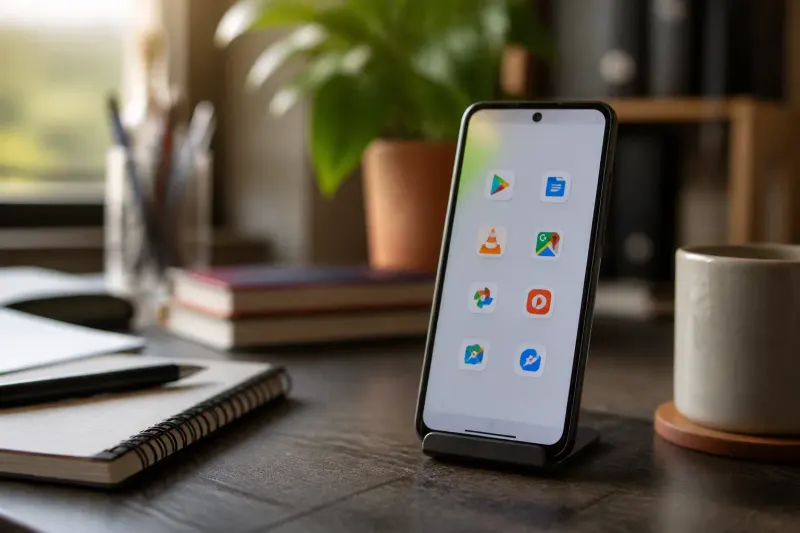
Google apps are integral to the Pixel user experience, but are they necessarily the best options? In an effort to optimize performance and simplify usage, some Pixel users have started exploring lightweight alternatives to the default Google offerings. One user, seeking efficiency without sacrificing essential functionality, swapped four Google apps for lighter versions. Through this experiment, the user discovered a refreshed sense of speed on their Pixel device and more streamlined operations.
Fossify Gallery: A Simplified Photo Experience
For those who primarily use their devices to capture and view photos, Fossify Gallery offers a focused experience that deviates from the feature-heavy Google Photos. While Google Photos combines cloud features, AI-powered tools, and automatic backups, Fossify Gallery emphasizes local media management. With a clean interface, it allows users to effortlessly browse their photo library without navigating through extensive cloud options.
The app also boasts characteristics that cater to accessibility and convenience:
- Direct access to locally stored photos without cloud distractions.
- Easy album organization to facilitate quick access to specific folders.
- Image editing capabilities for quick modifications.
- Enhanced privacy with features such as app locking and hidden albums.
- Elimination of setup time associated with cloud services.
This simple yet effective gallery replacement is categorized as a free, open-source, and ad-free application, honing in on efficient local photo browsing.
HeliBoard: Streamlined Typing Solution
Transitioning to a different keyboard app can be tricky, especially when striving for a balance between usability and simplicity. The user found that HeliBoard offered a practical approach compared to the feature-heavy Gboard. While Gboard includes advanced features like voice typing, translation, and GIF search, HeliBoard manages to keep the essential typing comfort and functionality intact.
Key attributes of HeliBoard include:
- Support for multiple languages.
- Custom themes to personalize the typing experience.
- A personal dictionary for enhanced autocorrect functionalities.
- Word suggestions to aid in fluid conversation and notes taking.
Overall, HeliBoard proves to be a robust alternative, streamlining daily typing without complicating the interface.
Organic Maps: Offline Navigation Made Easy
For navigation, Organic Maps emerged as a compelling alternative to Google Maps. While Google’s offering is known for its extensive business listings and real-time traffic information, many users find that they don’t always rely on all these additional features. With Organic Maps, the focus shifts to straightforward navigation, providing offline maps which are particularly useful in areas with limited mobile connectivity.
This app, based on OpenStreetMap data, delivers:
- Detailed maps for driving, walking, and cycling.
- Downloadable city maps for offline access.
- Information on points of interest, hiking trails, and public facilities.
While it may lack live traffic updates and comprehensive local listings, its offline capabilities speak to those who primarily need reliable navigation without constant data dependency.
Brave: A Privacy-Focused Browser
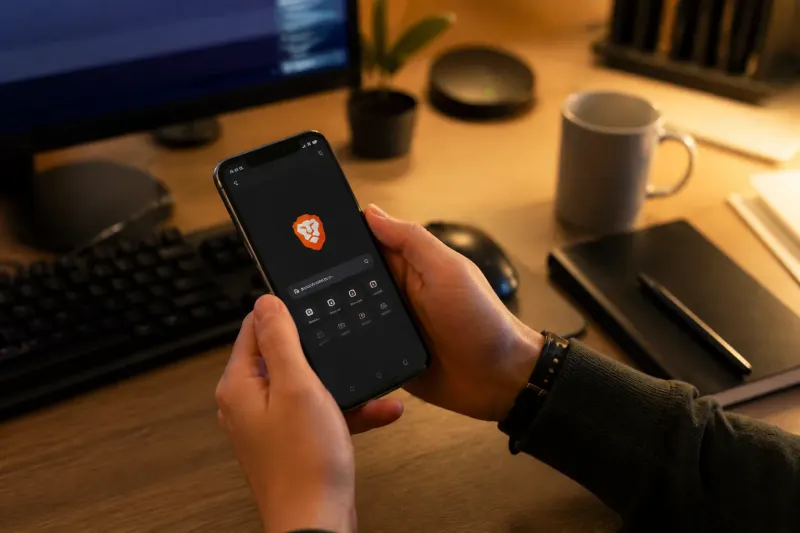
Lastly, the user found that Brave browser, which is built on Chromium like Chrome, provided a more decluttered browsing experience with advanced privacy options integrated into its framework. Unlike Chrome, which might require several third-party extensions to achieve similar privacy settings, Brave comes equipped with capabilities like:
- Automatic ad and tracker blocking via Brave Shields.
- Control options for cookies and trackers.
- Resource-efficient performance, making it suitable for multitasking and gaming environments.
Users have reported finding Brave easier to navigate, as it alleviates the clutter often associated with online ads and privacy concerns.
Shifting Perspectives on Default Apps
This exploration into alternative apps served as a reminder that default applications intended for one’s device are not necessarily the only good options available. Each of these replacements contributed positively to the user’s setup, enhancing their overall experience on the Pixel while maintaining or improving performance. The findings encourage both casual users and tech enthusiasts alike to reconsider their reliance on default applications and explore what more lightweight or focused alternatives might offer.
Key Takeaways
- Lightweight alternatives to default Google apps can enhance device performance.
- Fossify Gallery offers a focused, local photo browsing experience.
- HeliBoard delivers essential typing without unnecessary features.
- Organic Maps provides offline navigation, simplifying route planning.
- Brave browser offers built-in privacy features, minimizing ad clutter.
Looking Ahead
This assessment illustrates that users have options beyond the basic suite of Google applications that come preinstalled on their devices. The swift and substantial improvements in performance and usability highlight that opting for less commonly utilized applications can yield substantial benefits in day-to-day interactions. With options like Fossify Gallery, HeliBoard, Organic Maps, and Brave readily available, users are encouraged to experiment with their app choices, potentially finding better fits for their lifestyles without sacrificing functionality.
Frequently Asked Questions