
Android's Create My Widget: DIY Functionality with a Fun Twist
Android's new Create My Widget feature invites Pixel users to design personalized, quirky widgets, blending functionality with enjoyment, but comes with notable limitations.
Introduction to Android’s Create My Widget
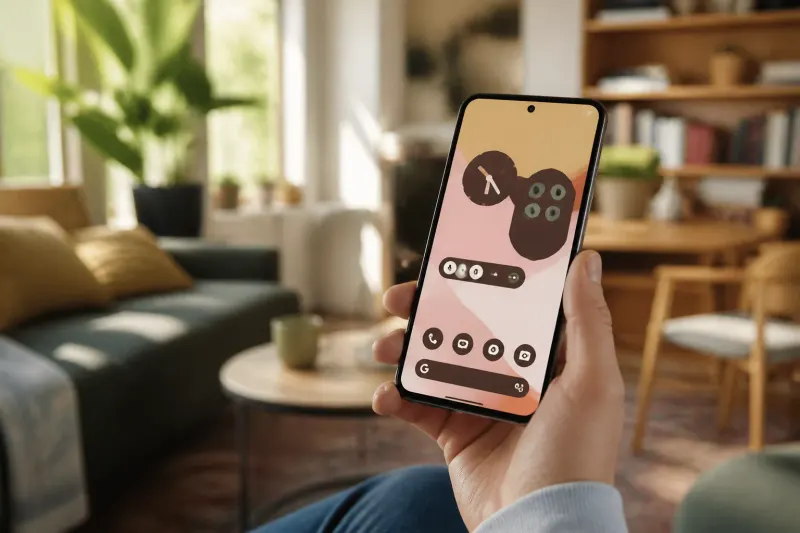
The latest feature making waves in the Android ecosystem is the Create My Widget functionality, released as part of the Gemini Intelligence initiative. This beta feature allows Pixel phone users to craft custom widgets tailored to their personal preferences and needs. Unveiled at Google's I/O event earlier this year, Create My Widget aims to enhance user interactivity with their devices by enabling a bit of creative coding right from the home screen.
How Create My Widget Works
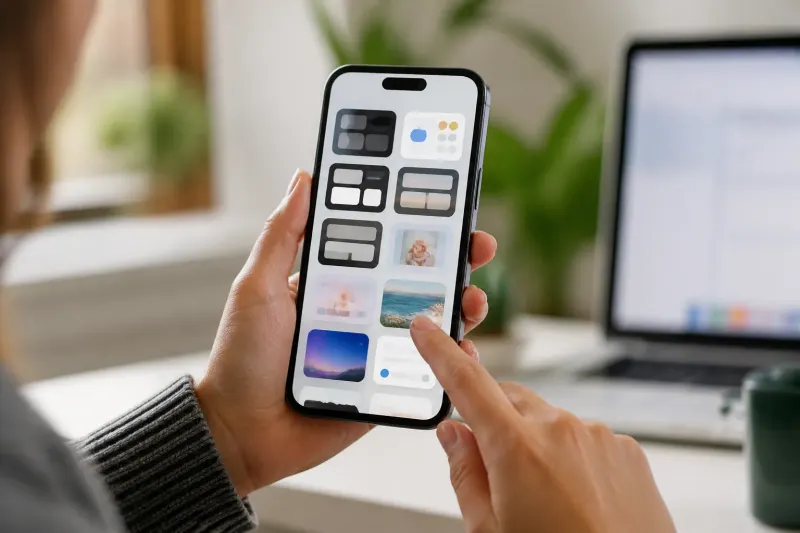
Operating on the principle of user-friendly design, Create My Widget allows users to start either from scratch or select from a variety of templates. The intuitive interface offers suggestions for different types of widgets, spanning categories like health tracking or recipe suggestions. Users can craft everything from daily quotes to habit trackers, or even event countdowns. However, the created widgets are prompts that connect users back to Google's Gemini AI, making them more shortcuts than fully functional apps. For example, when a user taps a weather widget, it opens the Gemini interface, which then processes the request instead of displaying real-time information directly on the widget.
Creative Uses Found by Users
Users looking to express their creativity with widgets have been pleased with the possibilities Create My Widget offers. One user reported creating a widget that showcases a rotating quote from the classic film Jurassic Park every hour. This simple yet enjoyable feature took only seconds to set up and provides a delightful glance at a familiar movie line, like “Life, uh, finds a way,” which functions not just as decoration but also as a quirky conversation starter. Another whimsical creation is a weather widget that displays the playful phrase, “Tut tut, looks like rain,” when precipitation is on the horizon.
Typical Widget Features and Limitations
While the customization options are broad, users may find limitations in how much they can manipulate the final output. For some users, the widgets act more as glorified buttons that trigger a command rather than truly personalized mini-applications. For example, a user tried to create a widget for tracking bus schedules, hoping to gain instant access to real-time arrival information. Instead, the widget merely provided a generic label, “Bus Arrivals,” and led to an AI-generated response that outlined bus frequency and expected arrival times, which fell short of offering the immediate glanceable data originally desired. This illustrates that while the feature encourages creativity, it sometimes lacks the utility users expect.
Key Features in Create My Widget
Create My Widget is characterized by several central features that define its functionality:
- Real-time Information Interface: The widget's designated task is to serve as a shortcut to the Gemini interface, which answers users' queries.
- Template-Based Creation: Users can begin widget creation using pre-defined templates tailored to specific needs, such as to-do lists, reminders, or even news updates.
- Personalization and Fun: Emphasis on creating entertainment or quirkiness in widgets that don’t necessarily function in a traditional sense—like quoting cinematic lines.
- Emphasis on Mobile User Experience: The design relies on mobile-centric approaches, crafting widgets that fit smoothly into the Android ecosystem.
Potential and Reception of Create My Widget
Despite its limitations, Create My Widget has been received positively by those who appreciate the playful aspect of widget creation. Many users enjoy experimenting with the interface, even if their creations serve primarily as entertainment rather than indispensable tools. Google’s focus on creativity reflects a growing trend in technology: blending functionality with personalization.
The Future of Android Widgets
Looking ahead, Google is likely to refine this feature based on user feedback and technological advancements. Ongoing development could lead to greater functionality in future iterations, possibly allowing for more interactive features that offer genuine utility in day-to-day tasks. As the Android community grows more engaged with customizable features, the demand for intelligent widgets that deliver actionable data on users' home screens will likely influence future updates and enhancements.
Key Takeaways
- Create My Widget is part of Google's Gemini Intelligence initiative, aimed at enhancing user interaction.
- Users can craft playful widgets but often find them limited to simple shortcuts rather than full applications.
- Created widgets can provide lighthearted functionality, such as quotes or weather information, often at the expense of practicality.
- The community response highlights a preference for creativity and personalization, paving the way for future enhancements.
This feature symbolizes a broader movement within Android to embrace creativity while addressing the complexities and expectations of modern mobile users. With time, the Create My Widget feature may evolve to fulfill its promise of being both functional and fun.
Frequently Asked Questions